

A Desktop That Still Feels Purpose-Built
Even in 2026, the iMac with Retina 5K display stands apart from the sea of modular PCs and ultra-portable laptops. While much of the industry has shifted toward mobility, this machine continues to serve users who prefer a dedicated space for focused work—a place where everything is ready the moment they sit down.
For many people building businesses, writing regularly, or managing creative projects, having a consistent workstation still plays a major role in maintaining momentum and minimizing distractions.
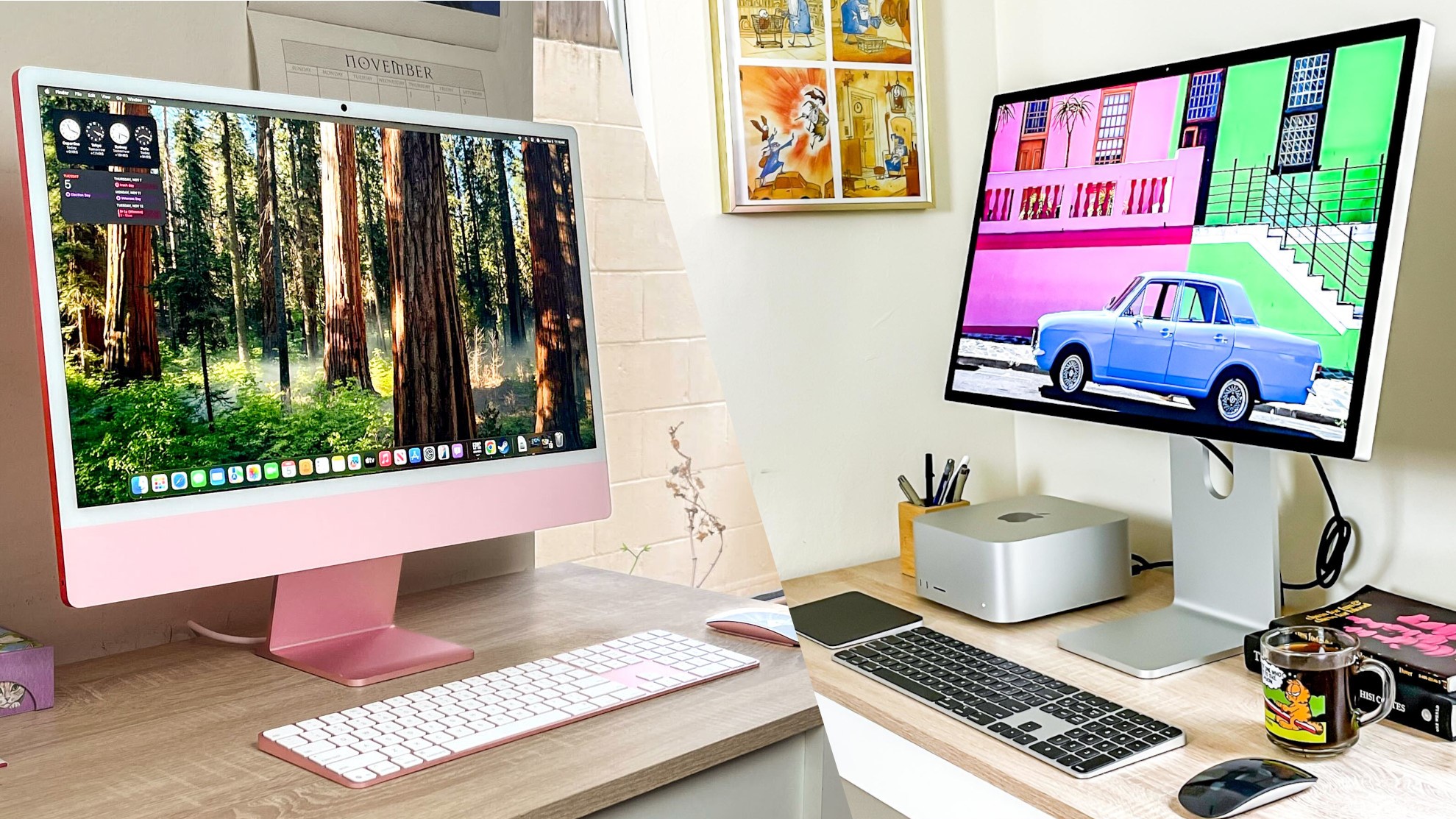
Design: Simplicity That Has Aged Gracefully
The iMac’s minimalist aluminum body hasn’t dramatically changed over the years—and that’s exactly why it works. Its thin profile, quiet operation, and absence of a bulky tower create an environment that feels intentional rather than technical.
There’s no sense of managing hardware. You’re not maintaining a system—you’re simply using it.
That distinction matters more than people realize, especially for those transitioning from cluttered setups or older tools that made everyday work feel slower than it should.
The Retina 5K Display: Still the Defining Feature
The 27-inch Retina 5K display remains one of the most compelling screens ever built into a desktop computer.
- 5120 × 2880 resolution
- Exceptional color reproduction
- Razor-sharp typography
- Comfortable brightness for long sessions
Whether editing photos, drafting long articles, or managing a website, the clarity changes how work feels. Text appears almost printed on glass, reducing fatigue during extended use and making detail-oriented tasks noticeably easier.
Writers and digital creators often discover that upgrading the environment they work in has as much impact as upgrading their software.
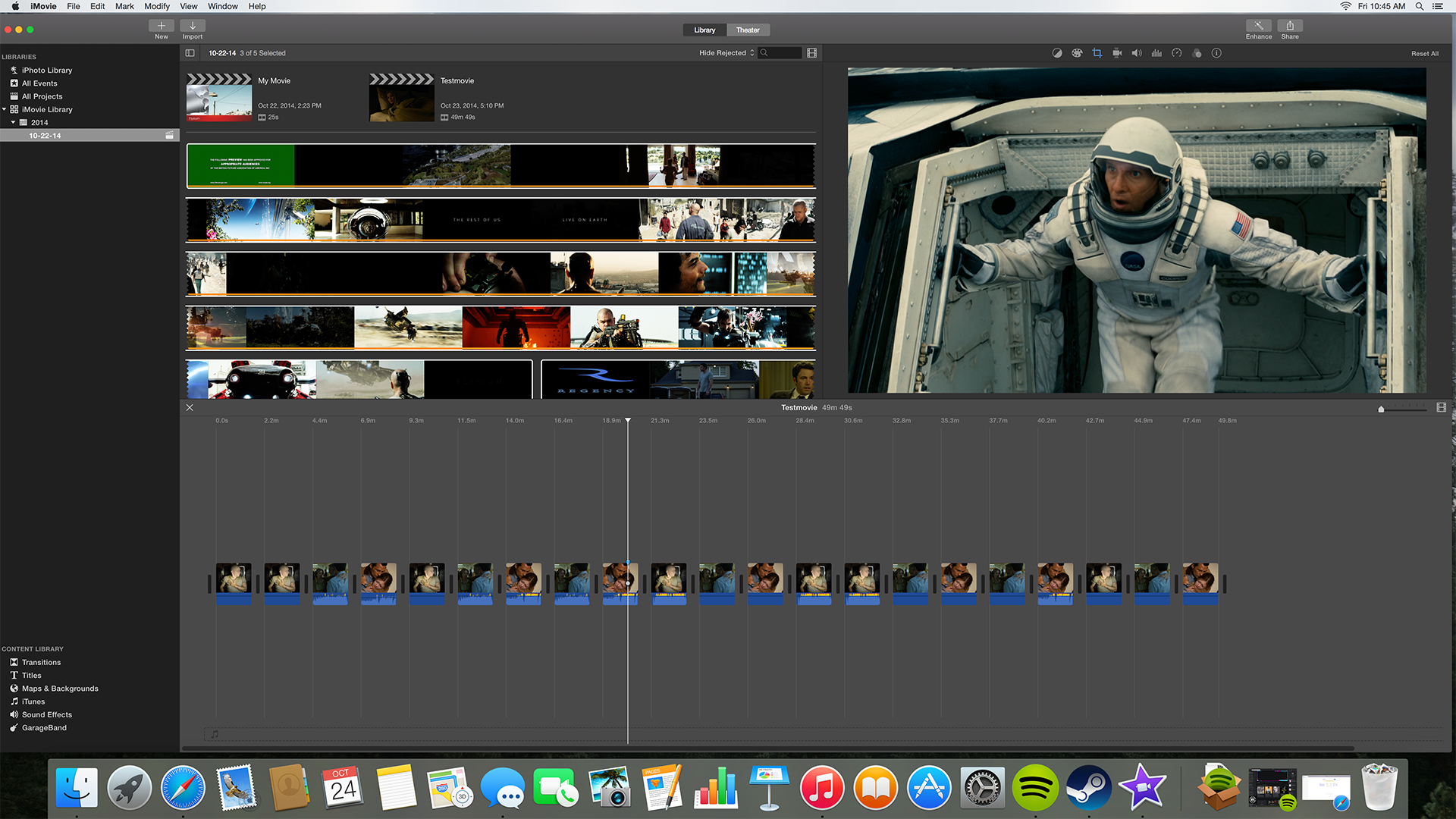
Performance in Real-World Use
While it’s no longer designed to chase benchmark records, the iMac still handles modern workflows comfortably:
✔ Content creation and publishing
✔ Business operations and research
✔ Design and photography editing
✔ Multitasking across productivity apps
✔ Light-to-moderate media production
Because the hardware and software were engineered together, everyday responsiveness remains smooth. For users focused on output rather than constant upgrades, that balance is often more valuable than raw processing power.

Where It Shows Its Age
No honest review ignores limitations.
- Not ideal for heavy 3D rendering or advanced simulation
- Limited upgrade paths compared to custom-built PCs
- Fewer modern ports than newer workstation designs
But most buyers considering this type of machine aren’t looking to build a lab—they’re looking to build consistency into their daily workflow.
And consistency is often what turns scattered effort into measurable progress.
The All-in-One Experience Still Has Advantages
There’s something quietly powerful about sitting down to a computer that requires no preparation.
No cable maze.
No configuration rituals.
No troubleshooting before starting.
You simply begin.
That frictionless start is why many professionals abandon overly complex setups in favor of tools that let them focus on writing, planning, designing, or running their platforms without interruption.
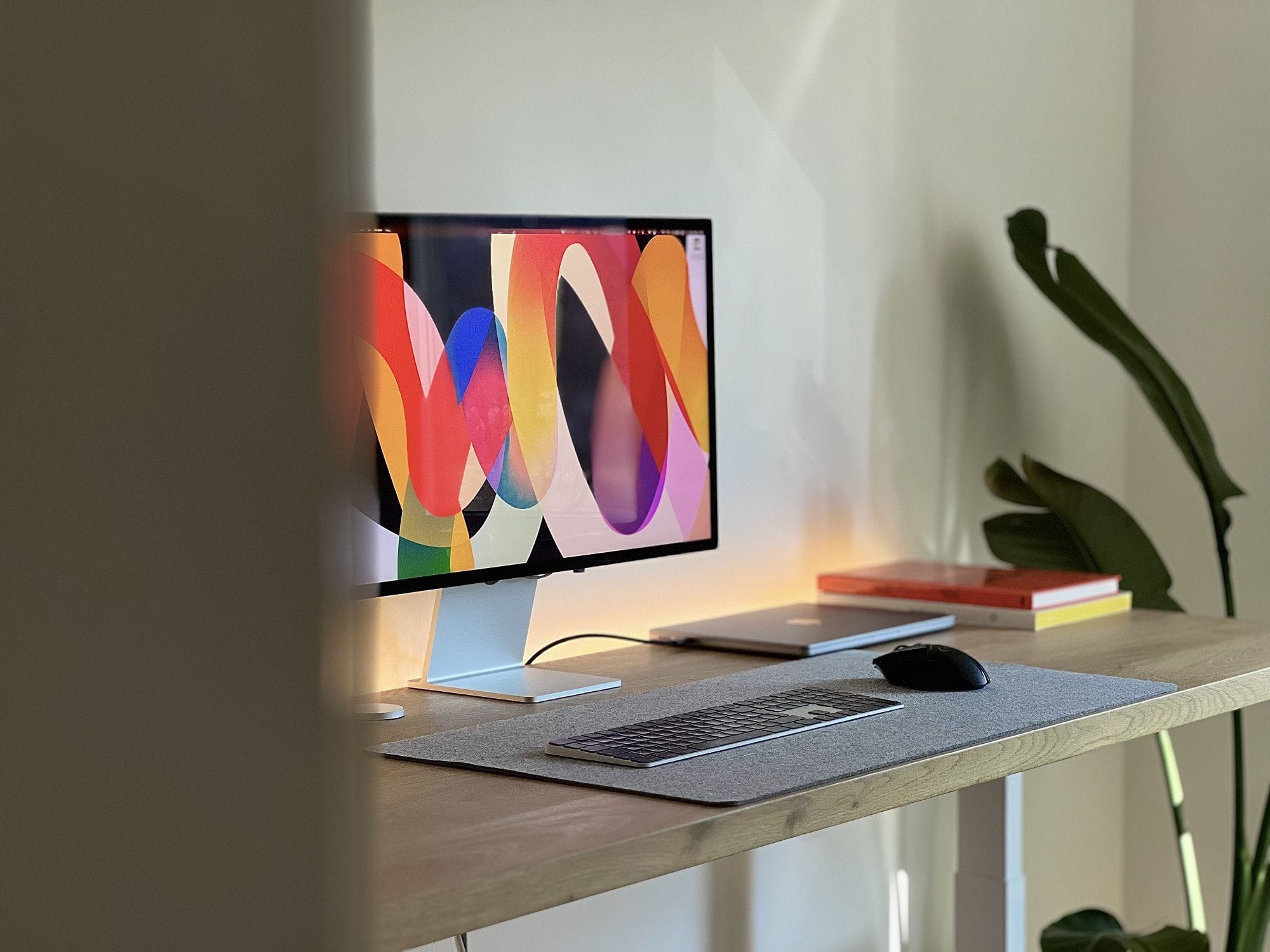
Display Quality vs. Spec Sheets
Many purchasing decisions revolve around specifications, yet over time, what matters most is the experience of using the machine for hours each day.
A clear, stable display influences posture, attention span, and even creative rhythm. People who once worked on aging equipment often notice that upgrading their environment changes not just speed, but how willing they are to sit down and do the work.
Technology should reduce resistance—not add to it.
Longevity Is the Real Strength
Unlike trend-driven devices, the iMac 5K doesn’t rely on novelty. Its strengths—display fidelity, build quality, and balanced performance—age slowly.
This is why it continues to appear in studios, home offices, and editorial environments long after flashier machines have come and gone.
It’s not designed to impress for a year.
It’s designed to remain useful for many.
Pros and Cons
Pros
- Industry-leading integrated display
- Clean, distraction-free workspace design
- Reliable performance for productivity and creative work
- Extremely simple setup and maintenance
- Long usable lifespan compared to many PCs
Cons
- Limited hardware upgrades
- Not built for highly specialized workloads
- Premium pricing relative to basic desktops
Is It Still Worth Buying in 2026?
For users who value clarity, dependability, and a workspace that encourages focus, the iMac with Retina 5K display remains a compelling choice.
It isn’t trying to be everything.
It’s trying to be the place where your work actually gets done.
And for many people, that’s far more valuable than owning the newest machine on paper.


